FRC Business & Technology
  • Home
  • Business
    • Personal Finance 20S (PRFI20S)
    • Venture Development 30S (VNDEV30S)
    • Accounting Essentials 30S
    • Accounting Systems 40S
    • Economic Principles 40S (ECOPRI40S)
    • Law 40S
    • Career Development 20S/30S/40S
  • Technology
    • Applied Information Communication Technology I & II
    • Animation and Web Design (WD35S & ANI35S)
    • Advanced Technologies (IW35S & MOD35S)
    • Business Communications 30S (BUCOMM30S)
    • Graphic Design (ABTC40S)
  • Film
    • Video Production 20S (VP 20S)
    • Video Production 30S (VP 30S)
    • Video Production 40S (VP 40S)
  • Photography
    • Digital Photography 20S
    • Digital Image Processing Photography 40S
  • Guitar Club

Fort Richmond Collegiate Business, Technology, Film and Photography

Business and Technology Education courses incorporate advanced technology, ethical standards, recognition of our school’s position in an increasingly global economy, cooperative learning, teamwork, and a commitment to lifelong learning. The department emphasizes creative and critical thinking and encourages acceptance of change.

Business and Technology Teachers

Mrs. Bell
Mr. Derlago
​Mrs. Phipps
Mr. Halstead
​
Ms. Jones


Mr. Marynovskyy
​Ms. Tarantino

Project based learning is essential to prepare students for future careers that are comprised of a series of non-routine tasks, that require social intelligence, complex critical thinking and creative problem solving. 


PTSD Student Access to Adobe Programs

Instructions for downloading Adobe Programs at home for FREE using the PTSD student license:

STEP 1:

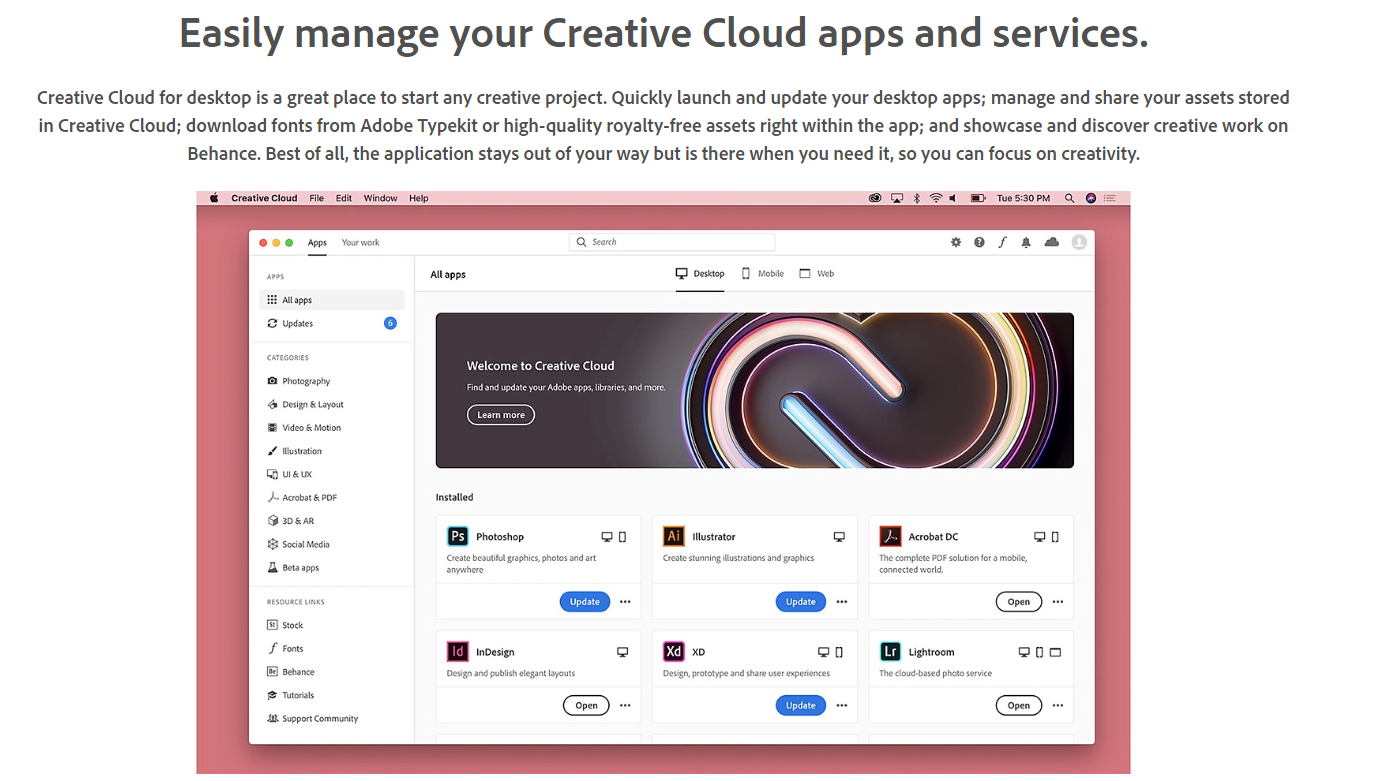
Click below to go directly to the web page to download the Creative Cloud for Desktop.

Creative Cloud for desktop download
Picture

STEP 2:

Sign in with your Pembina Trails login. Example: [email protected]

STEP 3:

Use the Creative Cloud for Desktop to download each program you need (for example, Photoshop, Animate, Premiere Pro, etc.)

STEP 4:

Remember - you can be signed into two different computers or devices at once.

STEP 5:

If you have any questions, email me - Mr. Halstead at [email protected]